
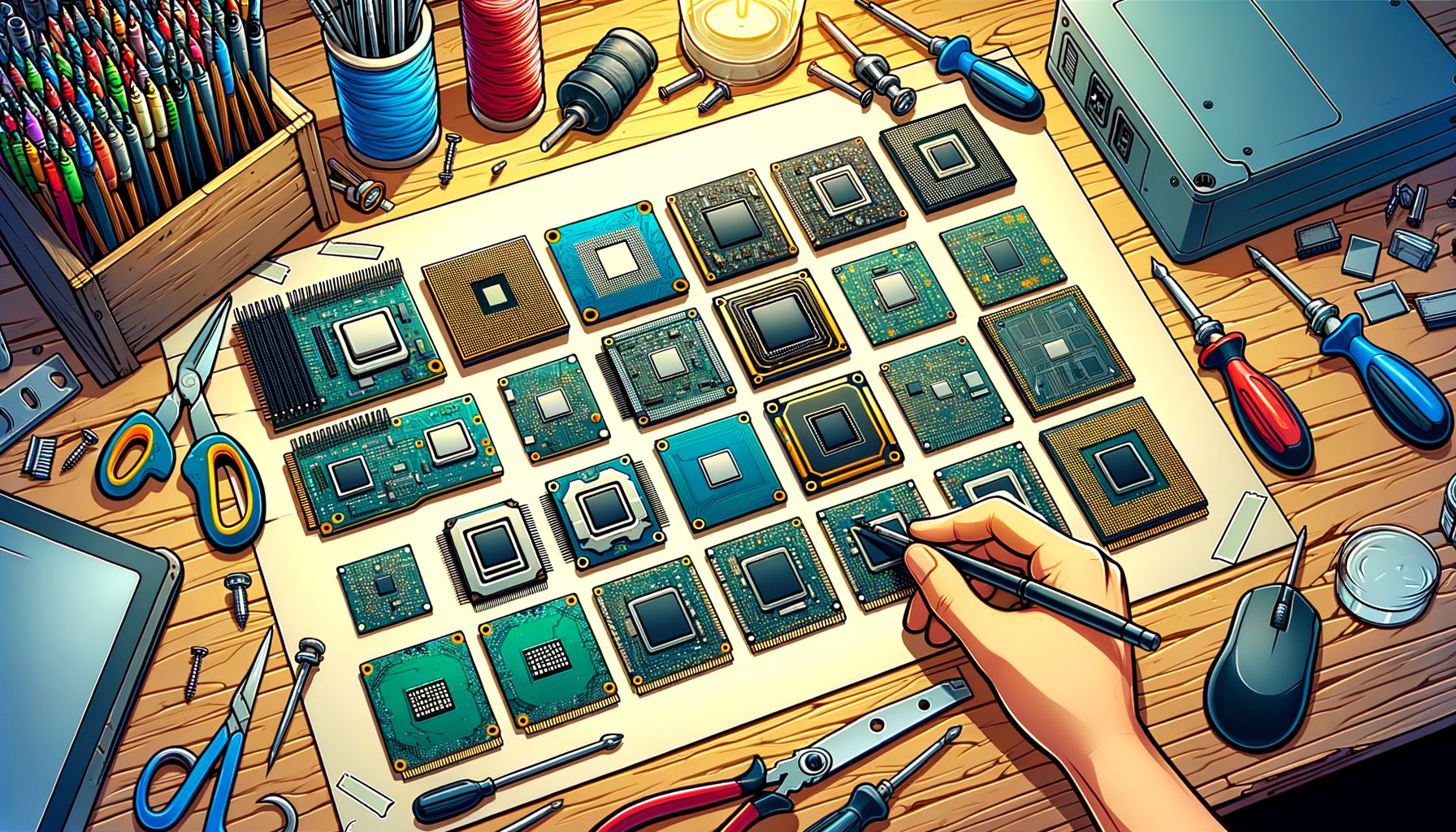
Hunting for the best budget chipsets for an entry-level PC build in 2025? You’re in good company. Prices have climbed, features can blur together, and product names read like alphabet soup. Our guide cuts through the noise. We compare the top budget chipsets, highlight what truly matters (and what doesn’t), and offer practical build templates so you can spend wisely and still get reliable performance for gaming, content creation, and everyday tasks.
The real problem in 2025: Stretching performance per dollar without getting stuck
Building a budget PC in 2025 is a balancing act. GPUs still devour most of the budget, DDR5 is no longer pricey but varies by region, and motherboard names often hide important trade-offs. The key challenge is choosing a chipset that won’t bottleneck your upgrades or day-to-day performance—while keeping total cost under control.
The difficulty comes from how features are spread across chipsets. Want full CPU overclocking on Intel? You’re looking at Z-series boards, which cost more. Aiming for AM5 longevity on AMD? A620 gets you in cheaply but sacrifices PCIe 5.0 and some I/O flexibility. Older platforms like AM4 or Intel 12th/13th Gen can still be excellent for budget builds; just verify BIOS support, memory compatibility, and that VRMs won’t throttle under sustained loads.
The “future-proofing” myth also trips people up. Plenty of buyers overpay for features they won’t leverage for years. PCIe 5.0 GPUs are rare; PCIe 4.0 SSDs continue to deliver the best value; and most budget systems benefit far more from stable VRMs, enough USB ports, and a reliable BIOS than from bleeding-edge lanes. Still, getting trapped on a dead-end platform hurts resale and upgrades. The sweet spot is a chipset that runs a strong CPU today, leaves a clear upgrade path, and doesn’t inflate your budget.
Bottom line: choose a chipset that lets your CPU and GPU breathe, matches your I/O needs, and keeps spending focused on performance—not labels. The sections below break down Intel and AMD options, then map them to real builds and a quick buying checklist.
Intel budget chipsets explained: H610 vs B660 vs B760 (and how to choose)
Intel’s LGA1700 remains a great budget platform in 2025 thanks to abundant 12th, 13th, and 14th Gen CPUs and mature, affordable boards. You’ll most often see H610, B660, and B760. They look similar on paper, yet the differences matter.
H610 sits at the bottom for basic office work, school PCs, and light gaming. Expect a single PCIe x16 slot for the GPU (commonly PCIe 4.0), limited USB and SATA, and fewer M.2 slots (sometimes only one, often PCIe 3.0 or 4.0 depending on the model). CPU overclocking isn’t supported, and memory can be constrained—many H610 boards are DDR4-only, which helps if you’re reusing RAM but doesn’t align with AM5-era longevity. Pairing a non-K Core i3/i5 with a budget GPU like an RX 6600 or RTX 4060 can work if you keep expectations in check and don’t need lots of storage or ports.
B660 is the value workhorse for 12th/13th Gen. It typically adds more USB and SATA, multiple M.2 slots (often PCIe 4.0), and sturdier VRMs than H610. Intel locks CPU ratio overclocking to Z-series, but memory tuning is usually available on B660, helping DDR4 or DDR5 kits hit stable higher speeds. For 1080p/1440p gaming on a Core i5-12400F or i5-13400F with a midrange GPU, B660 often makes more sense long-term than H610 because of expandability and thermals.
B760 refreshes the B660 idea with a stronger tilt toward DDR5, updated I/O, and out-of-the-box BIOS support aimed at 13th/14th Gen CPUs. Raw performance is similar to B660, yet availability, DDR5 focus, and board-level features tend to be better in 2025. If you want a clean, drop-in experience with a Core i5-14400F and DDR5-6000 memory, a B760 DDR5 board is a tidy pick, commonly offering solid VRMs and at least two PCIe 4.0 M.2 slots. If the budget is tight and you already own DDR4, a B660 DDR4 board still makes sense—just confirm BIOS support for your CPU.
Practical take: Pairing a non-K Intel CPU with a mainstream GPU usually favors B660/B760 for breathing room and easier upgrades. H610 makes sense only when chasing the absolute lowest price and you don’t need extra storage, USB-C, or memory headroom. If you’re buying new, lean DDR5; stick with DDR4 only when reusing RAM and the savings are substantial.
AMD budget chipsets explained: A620, B550, and B650 (AM4 vs AM5)
AMD gives budget builders two solid paths in 2025: AM4 (older, very affordable) and AM5 (newer, DDR5-only, built for future CPUs). The choice hinges on whether you want the lowest upfront cost (AM4) or more longevity (AM5).
AM4 with B550 stays a stellar value. You get PCIe 4.0 for the GPU and one NVMe slot, plenty of boards with decent VRMs, and cheap DDR4 memory. A B550 paired with a Ryzen 5 5600 or 5700X delivers excellent 1080p performance and respectable 1440p with the right GPU, all at a very friendly total cost. The trade-off: AM4’s upgrade path has effectively ended. If you’re fine buying once and keeping the system for a few years, AM4 can be unbeatable on price-to-performance.
AM5 starts with A620 at the entry level. A620 boards are DDR5-only and trim features to cut costs: fewer PCIe lanes, limited USB and SATA, and no PCIe 5.0 for GPU or storage (even if the CPU supports it). CPU overclocking isn’t on the table, and memory tuning often limits you to EXPO profiles. Even so, an A620 paired with a Ryzen 5 7500F/7600 offers modern efficiency, straightforward BIOS-based CPU upgrades later, and easy DDR5-6000 EXPO setups when supported. For many tight budgets, this is the cheapest on-ramp to a long-lived platform.
B650 is the AM5 sweet spot. Expect better VRMs, more USB, and at least one PCIe 5.0 M.2 slot (some boards also wire the GPU slot for PCIe 5.0). Both CPU and memory overclocking are available, and overall build quality tends to be higher than A620. If you can stretch a bit, B650 sets you up for painless future CPU drops and faster storage. For a Ryzen 5 7600/7600X or 7700 build, B650 is usually the smarter long-term buy than A620.
Quick rule of thumb: Need the cheapest capable gaming setup today? AM4 B550 + Ryzen 5 5600 is tough to beat. Want a modern platform with upgrade headroom? Go AM5—A620 if the budget is strict, B650 if you can invest a little more for features and longevity. Always check the motherboard’s CPU support list and make sure the BIOS version matches your chosen processor before buying.
Features that actually matter (and a quick chipset comparison table)
Specs can be a maze. Focus on the features that affect everyday use and protect your budget:
– VRM quality and heatsinks: Strong, cooled power delivery avoids throttling and sustains CPU performance. Look for reviews or teardowns that confirm robust VRMs, especially if a higher-core CPU might be added later.
– Storage flexibility: Aim for at least two M.2 slots—one for the OS, one for games or projects. PCIe 4.0 SSDs offer the best price/performance right now. PCIe 5.0 SSDs remain expensive and unnecessary for most users.
– Memory support: For fresh builds, DDR5-6000 (EXPO/XMP) is a great target on both platforms. On a very tight budget, DDR4 with AM4 or Intel B660 DDR4 can save money with minimal gaming impact.
– I/O essentials: Front-panel USB-C, sufficient rear USB ports, and enough fan headers make building and cooling easier. Wi‑Fi (AX/BE) and 2.5 GbE add quality-of-life perks if pricing is close.
– BIOS quality and updates: A clear BIOS and frequent updates reduce headaches. Check the vendor’s CPU support list and update cadence before committing.
Here’s a quick, simplified snapshot of popular budget chipsets in 2025:
| Chipset | Socket | Typical Board Price | Memory | GPU Slot | Top NVMe Slot | OC Support | Best For |
|---|---|---|---|---|---|---|---|
| Intel H610 | LGA1700 | Low | DDR4 or DDR5 (varies) | PCIe 4.0 x16 (common) | PCIe 3.0/4.0 (varies) | CPU: No / Memory: Limited | Ultra-budget office/light gaming |
| Intel B660 | LGA1700 | Low–Mid | DDR4 or DDR5 | PCIe 4.0/5.0 (board-dependent) | PCIe 4.0 | CPU: No / Memory: Yes | Value gaming/content builds |
| Intel B760 | LGA1700 | Mid | Mostly DDR5 | PCIe 4.0/5.0 (board-dependent) | PCIe 4.0 | CPU: No / Memory: Yes | Modern Intel DDR5 builds |
| AMD B550 | AM4 | Low–Mid | DDR4 | PCIe 4.0 | PCIe 4.0 | CPU: Yes / Memory: Yes | Best-value AM4 gaming |
| AMD A620 | AM5 | Low | DDR5 | PCIe 4.0 | PCIe 4.0 | CPU: No / Memory: Limited EXPO | Cheapest path to AM5 |
| AMD B650 | AM5 | Mid | DDR5 | PCIe 4.0/5.0 (board-dependent) | Often PCIe 5.0 | CPU: Yes / Memory: Yes | Balanced AM5 with longevity |
Note: Exact features vary by model. Always verify the manufacturer’s spec page for lane assignments, USB counts, and BIOS support. For official details, see Intel’s chipset overview at intel.com and AMD’s chipset guides at amd.com (AM5) and amd.com (AM4).
Starter build recipes and upgrade paths under $800
Use these templates as a baseline. Prices shift by region and over time; confirm with a parts aggregator like PCPartPicker. Swap components as deals appear.
Option 1: AM4 value gaming (the classic budget champ)
– CPU: Ryzen 5 5600
– Motherboard: B550 (mATX with two M.2 slots)
– RAM: 16 GB DDR4-3200/3600
– GPU: Radeon RX 6600/6650 XT or GeForce RTX 3060 (used markets can shine)
– Storage: 1 TB PCIe 4.0 NVMe
– Notes: Delivers great 1080p performance and acceptable 1440p with settings tweaks. The upgrade path is limited beyond a 5700X, but the overall cost stays low.
Option 2: AM5 starter with headroom (modern and efficient)
– CPU: Ryzen 5 7500F or 7600
– Motherboard: A620 (or B650 if the price jump is small)
– RAM: 32 GB DDR5-6000 EXPO (2×16 GB for easy future-proofing)
– GPU: GeForce RTX 4060 or Radeon RX 7600
– Storage: 1 TB PCIe 4.0 NVMe
– Notes: You get a current platform, simple CPU upgrades later, and strong 1080p/1440p gaming. If budget allows, B650 improves I/O and adds a PCIe 5.0 NVMe slot.
Option 3: Intel DDR5 value (flexible and widely available)
– CPU: Core i5-13400F or i5-14400F
– Motherboard: B760 DDR5 (avoid H610 unless absolutely necessary)
– RAM: 32 GB DDR5-6000
– GPU: Radeon RX 7600 XT or RTX 4060
– Storage: 1 TB PCIe 4.0 NVMe
– Notes: Excellent gaming and productivity for the money. Easy to add storage and upgrade the GPU later. Memory tuning on B760 helps stabilize higher-speed kits.
Optimization tips:
– Spend where it counts: GPU > CPU > SSD > motherboard aesthetics.
– Keep airflow simple: one intake plus one exhaust fan suffices for most budget builds.
– Don’t blow the budget on PCIe 5.0. Today’s value still favors PCIe 4.0 storage and midrange GPUs.
– Check return policies and BIOS update procedures; pre-updated boards save time and stress.
Frequently asked questions
Q: Are PCIe 5.0 motherboards worth it for budget builds?
A: Not usually. Most budget GPUs and SSDs don’t benefit from PCIe 5.0 yet. A solid PCIe 4.0 setup is the better buy; put the savings into a stronger GPU or more RAM.
Q: Should I choose AM4 (B550) or AM5 (A620/B650) in 2025?
A: For the lowest cost and if limited CPU upgrades are fine, AM4 B550 with a Ryzen 5 5600 is fantastic. For a longer upgrade path on DDR5, choose AM5—A620 for strict budgets or B650 for better features.
Q: Is H610 too limited for gaming?
A: It can run a budget GPU with a non-K Intel CPU, but you’ll see fewer M.2 slots, fewer USB ports, and weaker VRMs. For most gamers, B660 or B760 is the safer and more expandable choice.
Q: How much RAM do I need?
A: For gaming and general use, 16 GB is the minimum; 32 GB feels ideal in 2025 if you multitask, stream, or create content. Aim for DDR5-6000 on new builds; DDR4-3200/3600 is fine on AM4 or Intel DDR4 boards.
Q: Where can I verify motherboard features and CPU support?
A: Check official product pages and CPU support lists from the manufacturer. Third-party roundups like Tom’s Hardware’s motherboard guides (tomshardware.com) help compare VRMs and features.
Conclusion: The smartest budget chipset is the one that serves your build goals today—and tomorrow
To recap: we explored the best budget chipsets for 2025 and how they map to real builds. On Intel, B660 and B760 hit the value sweet spot for non-K CPUs, while H610 is a bare-minimum choice for simple systems. On AMD, B550 + Ryzen 5 5600 remains the budget legend, A620 opens the door to AM5 at the lowest cost, and B650 offers better features plus a longer runway. Across platforms, prioritize sturdy VRMs, enough M.2 slots, and stable memory support over flashier specs that don’t move the needle.
Action plan: Pick your target resolution (1080p or 1440p) and select a GPU accordingly. Choose a CPU that won’t bottleneck it. Then select the chipset that delivers the I/O, storage, and memory support you need without overspending. If building new and you can stretch a bit, AM5 B650 or Intel B760 with DDR5-6000 is a balanced, modern foundation. If maximum value is the goal, AM4 B550 is still a top-tier deal—especially with discounted CPUs or second-hand GPUs. Validate compatibility, check BIOS support lists, and track prices on PCPartPicker before you buy.
Your PC should feel responsive and be easy to upgrade. The right chipset makes that happen. Start with your real needs—how you play, create, and work—and let those drive the platform choice. Spend where performance scales, skip features you won’t use, and keep your options open.
Ready to go? Shortlist two boards plus a backup, compare VRMs and ports, and pull the trigger when the price lands right. You’ve got this—smart choices now lead to a faster, quieter, more reliable PC you’ll enjoy every day. What comes first: a lean 1080p gaming rig or a quiet productivity machine with room to grow?
Sources and further reading:
– Intel Chipsets Overview: https://www.intel.com/content/www/us/en/products/details/chipsets.html
– AMD Chipsets (AM5): https://www.amd.com/en/products/chipsets-am5
– AMD Chipsets (AM4): https://www.amd.com/en/products/chipsets-am4
– Tom’s Hardware – Motherboard Guides: https://www.tomshardware.com/reviews/best-motherboards,3984.html
– PCPartPicker (price/compatibility): https://pcpartpicker.com/