
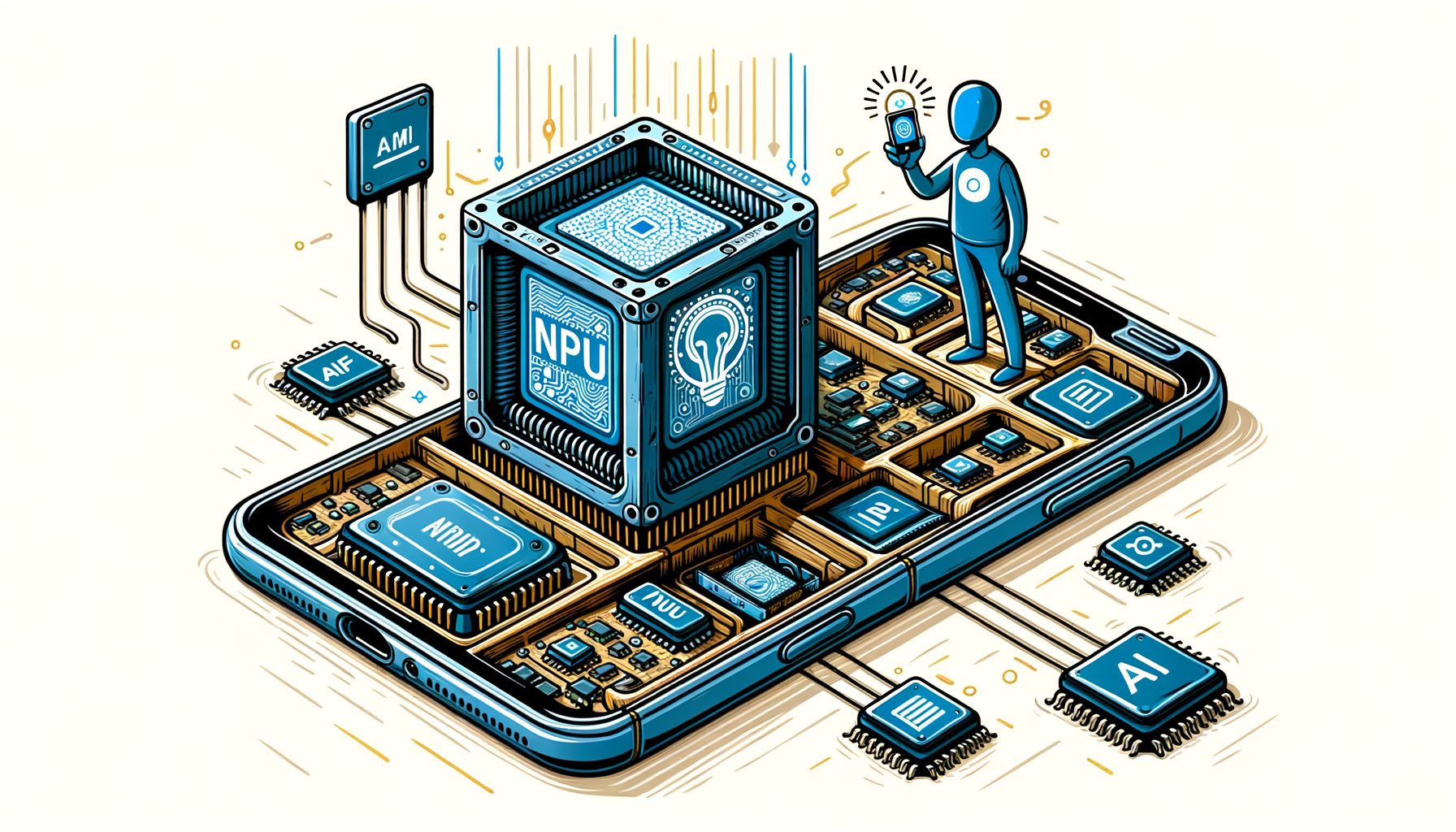
Your phone keeps getting smarter, yet many AI features still feel slow, fragile without internet, or too invasive to trust. The reason is simple: a lot of AI still runs in the cloud. That’s changing as on‑device AI spreads, and the engines behind it are Neural Processing Units—NPUs—the dedicated hardware that powers local intelligence in modern smartphone chipsets. Understanding how they work helps you choose better devices, use features more effectively, and anticipate what’s coming next.
Why on‑device AI matters now: the problem with cloud‑only intelligence
Most people meet AI through photos that magically sharpen, voice assistants that transcribe speech, or chatbots that summarize long messages. When those features depend on the cloud, you inherit cloud problems: variable latency, data costs, and privacy questions. A photo filter that takes two seconds to apply, a translation that fails on the subway, or a voice assistant that mishears you because of a spotty connection are all symptoms of off‑device processing.
On mobile networks, round‑trip delays can swing from under 100 ms to over 800 ms, especially when you move between cells or lose 5G. For conversational AI, that lag compounds with every generated token. Cloud use also requires shipping your data out of your phone. Even when anonymized, many users would rather keep raw voice, photos, and personal context on the device. Battery life is another concern: maintaining a radio link, serializing uploads, and waiting for responses can drain power, particularly when used repeatedly throughout the day.
On‑device AI flips the equation. By running models locally, your phone can respond in tens of milliseconds, stay useful in airplane mode, and reduce the risk of data exposure. It also enables new experiences, like instant camera effects in the viewfinder, live transcription at a concert where Wi‑Fi fails, or offline summarization of a long PDF. The catch: deep learning is math‑heavy, and cramming desktop‑class AI into a slim, thermally constrained phone isn’t trivial. That’s where NPUs come in. They’re built to execute neural networks efficiently within smartphone power budgets, unlocking speed and reliability without lighting your battery on fire.
Inside the NPU: what it does and why it’s different from CPU and GPU
A Neural Processing Unit is a specialized compute engine optimized for the operations that dominate neural networks—matrix multiplies, convolutions, and activation functions. While a CPU focuses on versatility and a GPU offers massive parallelism for graphics and general compute, the NPU is tailored for inference: it uses compact data types, tightly coupled memory, and instruction pipelines designed around the shapes and sparsity patterns of neural layers.
At a low level, NPUs arrange thousands of Multiply‑Accumulate units in systolic arrays or similar structures that stream tiles of data through the compute fabric. Instead of 32‑bit floating point everywhere, NPUs prefer lower precision formats like INT8, INT4, or mixed precision FP16/BF16. Such formats shrink memory bandwidth needs, increase throughput, and cut energy per operation with minimal impact on accuracy when models are properly quantized. What’s interesting too, many NPUs support structured sparsity—skipping predictable zeros to gain extra speed. To avoid the power cost of constantly pulling data from DRAM, NPUs include on‑chip SRAM and smart DMA engines that keep hot tensors close to compute.
In practice, the design delivers big efficiency gains. On recent flagship phones, a well‑optimized on‑device model running on the NPU is often 5–20× faster than the same model on CPU and can be 3–10× more energy‑efficient for sustained tasks, depending on the network and precision. That efficiency matters in pocket‑sized devices that must throttle when they get warm. What’s interesting too, NPUs handle small batch sizes better than GPUs in many mobile workloads, such as single‑image, single‑utterance, or token‑by‑token generation where you want low latency more than high throughput. Developers reach NPUs through platform APIs and compilers—Android’s NNAPI and vendor backends like Qualcomm AI Engine Direct or MediaTek NeuroPilot, and on iOS via Core ML—which map model graphs to the right hardware blocks automatically. For you, that translates into snappier features that quietly preserve battery and privacy.
How NPUs work inside a smartphone chipset: the on‑device AI pipeline
A modern smartphone chipset (SoC) is a team sport: CPU, GPU, NPU, DSP, ISP, image encoders, and memory controllers coordinate to deliver experiences. The NPU doesn’t live alone; it sits on the internal fabric with access to shared memory and sometimes dedicated caches. Press the shutter in a camera app and the image signal processor (ISP) cleans the raw sensor feed, the NPU segments the scene and denoises textures with a learned model, and the GPU composites effects in real time. Then this: when you speak to your assistant, a low‑power DSP wakes on a keyword, streams frames of audio to the NPU for noise suppression and speech recognition, and the CPU orchestrates the result. For generative AI, the NPU may handle the transformer layers while the CPU manages tokenization and the GPU renders visuals.
Such a division of labor keeps latency low and energy use balanced. Because NPUs specialize in core neural layers, they excel at the heavy lifting. The CPU provides control logic, security, and scheduling. The GPU steps in when graphics or certain parallel ops fit better there. Thermal management is constantly tracking everything, steering workloads to sustain performance over minutes, not just quick bursts. Well‑designed systems preload models into memory, reuse compiled kernels, and cache intermediate tensors to avoid re‑work.
On Android, the Neural Networks API routes supported operators to the best available accelerator and falls back to CPU when needed. Vendors provide drivers and graph compilers to fuse layers, fold constants, and quantize with calibration data. On iOS, Core ML handles conversion from popular frameworks and targets the Apple Neural Engine automatically, using the Secure Enclave when models or tokens require stronger protection. Open standards like ONNX, and mobile runtimes like TensorFlow Lite and PyTorch ExecuTorch, streamline deployment across chip families. The result: you tap a button and see the effect instantly, without thinking about which engine did what. That seamlessness is the hallmark of a well‑integrated NPU inside the SoC.
Performance you can feel: metrics, optimizations, and real examples
When manufacturers talk about NPUs, you’ll hear TOPS—tera‑operations per second. It’s a rough ceiling, and only comparable when data types match (INT8 vs FP16) and memory constraints are considered. What you actually feel is a mix of single‑inference latency, sustained throughput under thermal limits, and responsiveness while multitasking. Memory bandwidth and capacity matter too: a 7‑billion‑parameter language model quantized to 4‑bit weights can still occupy roughly 3–4 GB once loaded, so models must be pruned, quantized, or split with on‑demand caching to fit comfortably and leave room for apps.
Optimizations have outsized impact. Quantization from FP32 to INT8 or INT4 can cut memory and power by 2–4× with carefully calibrated accuracy loss. Operator fusion reduces memory trips. Mixed precision reserves higher precision where it counts and uses lower precision elsewhere. Sparsity and attention kernel tuning accelerate transformers. Compiling models to the exact phone and caching the plan avoids cold‑start stalls. In daily use, those tricks turn “wait a second” into “feels instant.”
Consider a few real‑world patterns. Camera night mode stitches multiple exposures; the NPU denoises and enhances detail so you see a brighter image within a blink. Live translation can now work fully offline on high‑end devices, with the NPU transcribing and translating audio in near real time. On device, small LLMs can summarize notifications or rewrite messages privately; flagship phones launched in late 2023–2024 report double‑digit tokens per second for 3–7B models at low precision, which is fluid enough for short replies. These aren’t lab demos—they’re shipping features made practical by NPUs and tight system integration.
Here is a quick, experience‑level comparison that helps frame expectations.
| Aspect | On‑device (NPU) | Cloud AI |
|---|---|---|
| Typical latency | ~20–150 ms for vision/audio tasks; 5–20 tokens/s for small LLMs on recent flagships | ~300–1000+ ms round‑trip; token rate varies with network load |
| Connectivity | Works offline, no data plan needed | Requires stable network |
| Privacy | Data stays on device by default | Data leaves device; relies on server policies |
| Battery impact | Lower for short, frequent tasks; optimized for bursts | Radio use and waits can cost more for repeated tasks |
| Model size | Best with quantized/pruned models | Can run very large models |
If you’re a power user, look for platform features and vendor claims grounded in sustained performance and supported frameworks. Qualcomm, MediaTek, Apple, Google, and Samsung share details on their NPUs and developer tools—use those signals to decide whether a device will feel fast for the AI features you care about.
FAQs
What does the N in NPU stand for, and is it the same as a GPU? It stands for Neural. An NPU is designed for neural network inference with matrix‑heavy, low‑precision compute. A GPU is a general parallel processor originally built for graphics. Both can run AI, but the NPU is usually more efficient for mobile inference.
Will on‑device AI replace cloud AI? Not entirely. On‑device excels for privacy, latency, and frequent tasks. The cloud still helps with very large models, heavy training, and cross‑device context. The best systems are hybrid, choosing the right place to run each step.
How do I know if my phone has a good NPU? Check the chipset generation and look for platform support like Android NNAPI acceleration, Apple’s Neural Engine features in Core ML, and vendor benchmarks. Real‑world reviews that test camera AI, transcription, and on‑device assistants are more meaningful than peak TOPS alone.
Can my phone run a local chatbot? Many modern flagships can run compact language models offline using optimized apps and quantized weights. Expect quicker short replies and summaries; for long, complex tasks, devices may offload to the cloud based on your settings.
Does on‑device AI drain battery faster? For quick, repeated tasks, it often saves power versus cloud because it avoids radio usage and round‑trip waits. For long sessions, heat and throttling matter; efficient NPUs and well‑optimized apps help keep power draw in check.
Conclusion
On‑device AI solves a real, everyday problem: making your phone’s intelligence feel instant, private, and reliable, even when the network is not. NPUs are the quiet workhorses that make it viable within a phone’s tight power and thermal limits. By aligning specialized math hardware, compact data types, and smart memory use, NPUs turn deep learning from a cloud luxury into a pocket‑sized standard. We explored why cloud‑only approaches struggle on mobile, how NPUs differ from CPUs and GPUs, how they integrate across the SoC pipeline, and which performance signals actually map to user experience. We also covered practical examples—from camera magic to offline transcription and small local LLMs—that show how these chips already change daily life.
If you’re choosing your next phone, think beyond megapixels and clock speeds. Look for strong NPU support, platform AI features you’ll actually use, and proven apps that leverage them. If you build apps, compile and quantize your models for mobile, use the platform accelerators (NNAPI or Core ML), and profile for sustained performance. Either way, turning on on‑device options where available can instantly boost speed, privacy, and reliability in tasks you already do, like photos, voice notes, and messaging.
Act now: update your apps, enable offline modes, and test a local AI feature on your device today—try live transcription without internet or an on‑device photo enhancement and see the difference. Well, here it is: the future of AI is not only bigger models in the cloud; it’s smarter, faster, and more personal experiences right where you are. Your phone can be your most trusted AI ally—private by default, helpful by design. What on‑device AI moment would make your day noticeably better?
Further reading and sources:
Android Neural Networks API (NNAPI)
Apple Core ML and Neural Engine overview
Qualcomm AI Platform and Hexagon NPU
MediaTek NeuroPilot and AI hardware