
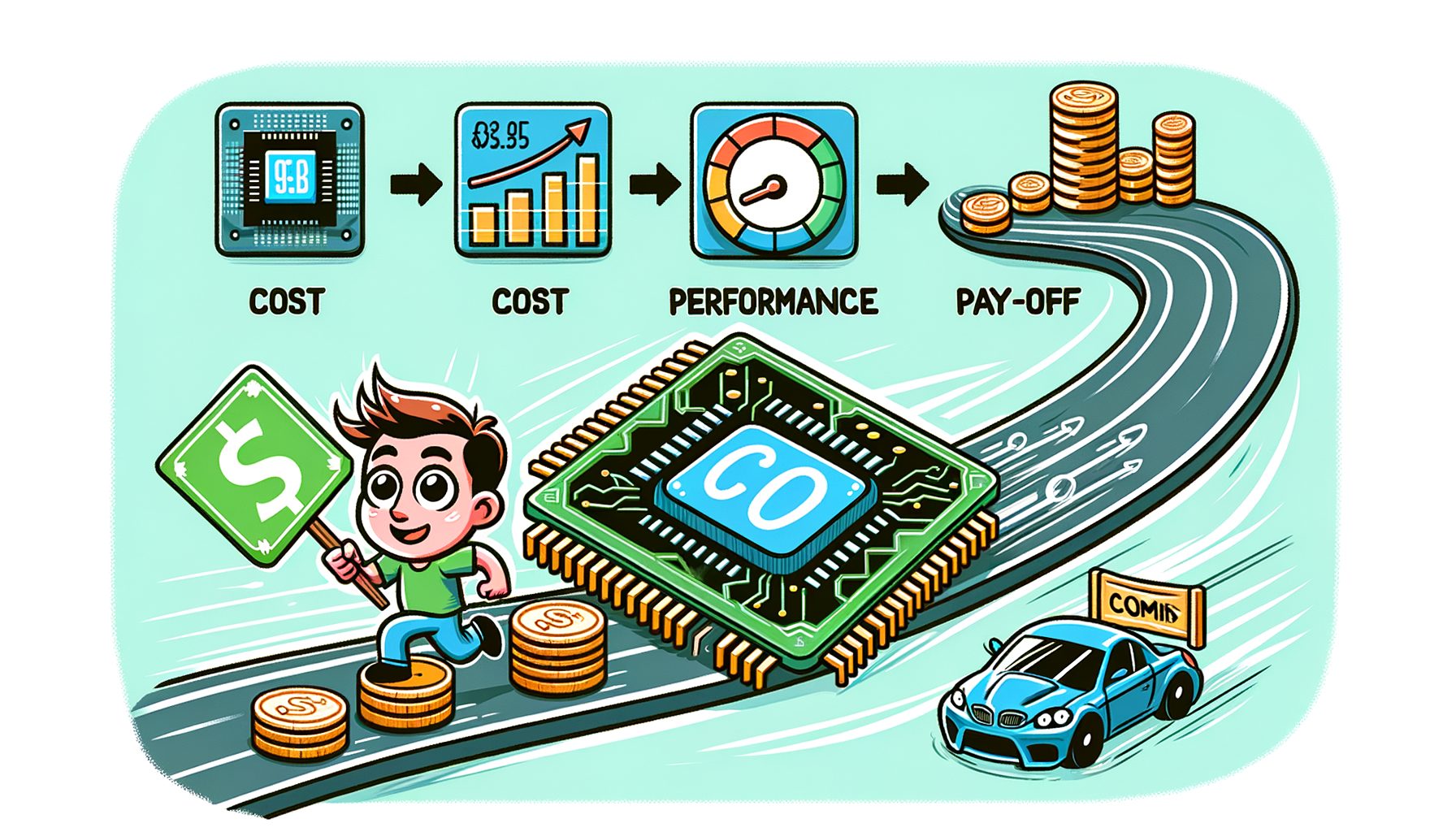
Chasing better performance, steadier uptime, and a build that lasts? Then you’ve probably asked whether a chipset upgrade really pays off. Under the CPU sits the platform—the motherboard and chipset—silently governing storage speed, USB capability, PCIe lanes, memory support, networking options, and even how power is delivered. Put simply, a platform swap can unlock features your current board can’t offer at all. The smarter question isn’t “Is newer better?” but “When does the cost of moving platforms pay for itself in actual work, games, or reliability?”
Why Upgrading Chipsets Feels Confusing—And the Real Problem It Solves
Attention tends to fixate on the CPU. People drop in a new processor expecting miracles while the chipset keeps a low profile. Yet many slowdowns hide inside the platform. When an NVMe drive is hemmed in by PCIe 3.0, a GPU competes for lanes, or USB and networking cling to older standards, the day-to-day feel suffers—even with a fast CPU.
Here’s the heart of it: modern workloads are increasingly I/O-bound. Games stream huge assets from fast storage. Creators push multi‑gig files end to end. Developers compile codebases that pound CPU and storage in tandem. Remote workers juggle multiple high‑res displays, USB audio and webcams, plus high‑bandwidth network links. In scenarios like these, the platform matters as much as raw CPU horsepower. Well, here it is: a newer chipset can bring PCIe 4.0/5.0, DDR5 support, USB4/Thunderbolt speeds, Wi‑Fi 6E/7, and sturdier VRMs that keep performance sustained.
Costs complicate the picture. A platform move typically requires a new motherboard, possibly new RAM (DDR5 versus DDR4), sometimes a different cooler mount, and the time to rebuild. That invites doubt—and it should. In plenty of cases, your current board is fine, and a single targeted upgrade (more RAM, a larger NVMe) delivers the best bang for the buck.
Clarity wins. First define the bottleneck you’re trying to eliminate. When rendering is purely CPU‑limited, a platform swap alone won’t fix it without a new processor. Then this: if your pain points involve storage throughput, external I/O, stream stability, expansion for GPUs or capture cards, or long‑term features, a chipset upgrade can be transformative—sometimes more so than a modest CPU bump on an aging board.
What a Chipset Upgrade Actually Changes: Features That Move the Needle
The chipset orchestrates connectivity, bandwidth, and management features across your PC. Two boards can run the same CPU yet deliver vastly different capabilities. Below are the platform changes that most often alter real‑world behavior.
PCIe lanes and generation. Moving from PCIe 3.0 to 4.0 doubles per‑lane bandwidth; 4.0 to 5.0 doubles it again. GPUs benefit, but NVMe SSDs feel the leap most during game asset streaming and scratch‑disk use. Many current chipsets also offer more flexible lane splits, so multiple fast NVMe drives won’t choke the primary GPU slot.
Memory support. Newer platforms add DDR5, bringing higher bandwidth and improving latencies as kits mature. Workloads that thrive on memory throughput—integrated graphics, some scientific apps, heavy multitasking—can see meaningful gains. Even within DDR4 ecosystems, superior trace layouts and BIOS tuning may stabilize higher speeds.
Storage and USB. USB4/Thunderbolt enables 40 Gbps docks, external NVMe enclosures, fast card readers, and multi‑4K output over one cable. Native NVMe boot support, more M.2 slots, and better SSD thermal solutions reduce throttling under sustained load.
Networking. Wi‑Fi 6E/7 with 6 GHz access plus 2.5/5 GbE wired NICs cut latency and lift throughput for cloud sync, online games, and remote collaboration. If you depend on large cloud repos or a NAS, platform networking can matter as much as your ISP plan.
Power delivery and stability. Stronger VRMs and improved layouts keep high‑core CPUs steady during long renders or compiles. Tighter regulation and updated BIOS features also improve sleep/hibernate behavior, memory training, and hot‑plug reliability.
Security and management. Firmware‑level mitigations, fTPM/TPM 2.0 updates, and select enterprise features show up on newer platforms—sometimes required for remote‑work policies.
To make the jumps easier to picture, consider the generational differences many users see:
| Feature | Older Platform | Newer Platform | Real-World Impact |
|---|---|---|---|
| PCIe (per lane) | PCIe 3.0 (~1 GB/s) | PCIe 4.0 (~2 GB/s) / 5.0 (~4 GB/s) | Bandwidth doubles each gen; faster NVMe and headroom for GPUs/capture cards |
| NVMe SSD | ~3.5 GB/s typical (PCIe 3.0) | ~7 GB/s (PCIe 4.0) to 12+ GB/s (PCIe 5.0) | Quicker project loads, game streaming, and scratch performance |
| Memory | DDR4 (up to ~3200–3600 MT/s mainstream) | DDR5 (5600–7200+ MT/s mainstream) | Higher bandwidth; helps heavy multitasking and select creator tasks |
| USB | USB 3.x (5–10 Gbps) | USB4 / Thunderbolt (up to 40 Gbps) | High‑speed docks, external SSDs, multiple displays on one cable |
| Networking | 1 GbE, Wi‑Fi 5 | 2.5/5 GbE, Wi‑Fi 6E/7 | Lower latency, higher throughput; smoother cloud work and gaming |
For official specs, see PCIe versions at the PCI-SIG (pcisig.com), USB4/Thunderbolt details via the USB-IF (usb.org), and Wi‑Fi standards via the Wi‑Fi Alliance (wi-fi.org).
The Full Cost Picture: Parts, Hidden Costs, and Energy Math
A chipset upgrade rarely comes as a single line item. Seeing the entire bill—money and time—makes the decision rational instead of impulsive.
Obvious costs. Expect to buy a new motherboard. Crossing memory generations (DDR4 to DDR5) requires new RAM. Some platforms change cooler brackets, so check whether your cooler needs a different mount. If your PSU is old or can’t support a newer GPU, earmark budget for a replacement. In certain regions, a major hardware change may nudge Windows activation.
Hidden costs. Time carries a price. Rebuilding means pulling the old board, installing the new one, reapplying thermal paste, updating BIOS, and installing or reactivating drivers. Plan cable routing, case fit, and any extra M.2 heatsinks. What’s interesting too: the opportunity cost—hours spent rebuilding are hours not gaming, streaming, or working.
Energy and thermals. Modern platforms can idle more efficiently yet permit higher peaks. A board that handles advanced power states well can shave electricity use for always‑on rigs. If your PC is a 24/7 workstation, small efficiency gains compound over years.
| Cost Component | Typical Range (USD) | Notes |
|---|---|---|
| Motherboard (midrange) | $150–$300 | Depends on chipset tier and features (USB4, VRM quality, M.2 count) |
| Memory (DDR5 32 GB) | $80–$150 | Speed/latency set price; check QVL for compatibility |
| Cooler/mount kit | $0–$100 | Some coolers include cross‑platform brackets; others need a kit |
| Power supply (optional) | $80–$150 | Only if adding a bigger GPU or replacing an aging PSU |
| Your time | 2–6 hours | Backup, teardown, rebuild, BIOS tuning, drivers, testing |
Quick energy check. Suppose a newer platform idles 10 W lower and you use the PC 12 hours/day. That’s 120 Wh/day, ~3.6 kWh/month. At $0.20/kWh, the savings land near ~$0.72/month or ~$8.64/year—modest, yet over 3–5 years it adds up. For regional accuracy, consult ENERGY STAR guidance (energystar.gov).
Resale can soften the blow. Selling your old board, CPU, and RAM as a bundle offsets cost and helps another builder. Check local markets; demand ebbs and flows around new GPU launches or back‑to‑school seasons.
Performance You Can Expect—and a Quick ROI Method
Real‑world speed from a chipset upgrade depends entirely on workload mix. Here’s how it tends to play out.
Gaming. When the GPU is the bottleneck, swapping chipsets alone won’t spike average FPS. Still, platforms with PCIe 4.0/5.0, Resizable BAR, and fast NVMe often reduce stutter during streaming and cut load times. Titles that stream massive textures respond strongly to storage bandwidth; a PCIe 4.0/5.0 NVMe can halve some loads compared with SATA or older NVMe drives. For evidence, review storage‑sensitive benchmarks from outlets like AnandTech and Tom’s Hardware (anandtech.com, tomshardware.com).
Content creation. Video editors, 3D artists, and photographers shuffle huge assets. Moving to PCIe 4.0/5.0 storage and USB4/Thunderbolt speeds up ingest, proxy generation, and timeline scrubbing. Strong VRMs can hold boost clocks longer in marathon renders. Creator benchmarks such as SPECworkstation and Cinebench quantify gains (spec.org, maxon.net/en/cinebench).
Developers and data. Compiles and pipelines stress CPU, memory, and storage together. DDR5 bandwidth, additional/faster NVMe slots, and cleaner I/O reduce stalls. If builds are I/O‑bound, platform changes may outperform a small CPU upgrade on an old board.
Remote work and mobile creators. USB4/Thunderbolt docks can run multiple displays, fast external SSDs, audio interfaces, and power delivery via one cable. That streamlined setup cuts friction and downtime. For anyone battling flaky USB or limited display bandwidth, the platform alone can justify the swap.
How to estimate ROI. Track a repeating task—say a 40‑minute export. If a platform upgrade plus NVMe cuts it to 30 minutes, you bank 10 minutes per run. At 3 runs/week, that’s ~30 minutes weekly, about 26 hours per year. Put a value on your time (even $15/hour) for ~$390/year. If the upgrade costs $450–$650, breakeven arrives in roughly 1–2 years—while your daily experience gets smoother and more flexible.
Important caveat. When a workload is truly CPU‑limited (e.g., CPU‑bound 1080p esports), the chipset alone won’t help. Consider a combined CPU + platform move. Always verify CPU support lists: Intel ARK (ark.intel.com) and AMD chipset/CPU pages (amd.com/en/products/chipsets).
Smart Upgrade Playbook: Avoid Regrets and Maximize Value
Use the following step‑by‑step plan to execute a clean, future‑ready platform transition.
1) Identify the bottleneck. Run quick checks: CPU (Cinebench or SPEC CPU), GPU (3DMark or in‑game tests), storage (CrystalDiskMark), and your real workload. If storage numbers lag far behind modern NVMe or USB transfers cap out early, a platform jump likely helps.
2) Define must‑have features. Prioritize PCIe 4.0/5.0 lane layout for GPU and SSDs, USB4/Thunderbolt if docks matter, Wi‑Fi 6E/7 for clean 6 GHz spectrum, and 2.5/5 GbE for faster LAN. Ensure enough M.2 slots and decent heatspreaders for sustained SSD performance. For longevity, look for BIOS flashback and robust VRMs.
3) Check compatibility and support. Read the CPU support list, memory QVL, and device layout diagrams. Confirm cooler mounts. Review BIOS maturity and changelogs. Lurk in user forums and recent reviews for stability notes and quirks.
4) Budget smartly. Put money into the board that matches your features and reliability goals. Skip glitter—RGB and minor extras—if they steal from core capabilities. Capacity first: choose 32–64 GB if you multitask heavily before chasing ultra‑high memory frequencies.
5) Plan the migration. Back up. Download chipset, LAN/Wi‑Fi drivers, and the latest BIOS ahead of time. Photograph cable routing. Have isopropyl alcohol and thermal paste ready. If keeping the OS, create a restore point or full image.
6) Build and validate. Start minimal, even on the motherboard box if possible. Update BIOS, enable XMP/EXPO, set fan curves, and check temps. Add drives and peripherals gradually. Stress‑test CPU, GPU, and storage to catch issues early.
7) Tune and document. Save stable BIOS settings. Label cables. Record benchmark baselines to measure gains and troubleshoot later. Streamers and creators: test the full chain—capture cards, docks, cameras—before the next deadline.
8) Reuse and resell. Keep a quality PSU, case, and fans if they’re solid. Sell the old platform as a bundle to recover cash. Be honest about condition and include accessories when possible.
Following this playbook reduces surprises and helps you land on a platform that serves you well for years, not just months.
Q&A: Common Questions About Chipset Upgrades
Q1: Will a chipset upgrade increase FPS in games?
Not usually by itself. With the same CPU and GPU, average FPS often changes little. You may see fewer stutters during asset streaming, shorter loads, and more reliable I/O—especially with PCIe 4.0/5.0 NVMe and improved USB.
Q2: Do I need DDR5 right now?
Only if your workloads benefit. DDR5 boosts bandwidth and offers better long‑term support. Heavy multitaskers and creators can see value. On tight budgets, more capacity often beats small frequency bumps.
Q3: Is USB4/Thunderbolt worth it?
Yes when you use docks, fast external SSDs, capture devices, or multiple 4K displays. For simple setups with minimal external transfers, it’s a convenience, not a necessity.
Q4: How long should a new platform last?
A well‑chosen board can feel comfortable for 3–5 years, longer if your workloads are stable. Leave headroom—extra M.2 and PCIe slots—to extend service life.
Conclusion: Make the Upgrade Count—and Make It Pay for Itself
Upgrading chipsets isn’t about chasing buzzwords; it’s about removing bottlenecks and unlocking features your work and play actually use. We looked at why platforms matter—PCIe bandwidth, storage speed, USB4/Thunderbolt connectivity, modern networking, sturdier power delivery—and how those elements shape everyday performance. We also unpacked total cost, from obvious parts to hidden time, and offered a fast ROI check: measure repeat tasks, estimate minutes saved, and convert that to value. With a focused playbook—benchmarks, feature priorities, compatibility checks, and a careful migration—you can land on a platform that feels faster, more reliable, and ready for what’s next.
If slow loads, stream stutter, flaky USB, cramped expansion, or a move to DDR5/PCIe 5.0 storage workflows are your pain points, a chipset upgrade can absolutely pay off. When a task is CPU‑bound in ways the platform can’t alleviate, consider a combined CPU + chipset shift—or wait for a bigger generational jump that fits your budget.
Here’s your next step: run a 30‑minute audit. Benchmark current storage, note network throughput, list every device you plug in, and write down daily annoyances. Then map those needs to a shortlist of boards with the right PCIe lanes, USB4, Wi‑Fi 6E/7, and VRM quality—referencing Intel ARK, AMD chipset pages, PCI‑SIG, USB‑IF, and independent reviews. Set a realistic budget, plan the migration, and schedule a calm build day.
Technology should make life easier, not busier. Choose a platform that saves time every week and supports how you work, create, and play. Ready to build something that pays for itself? Start the audit today—and turn “maybe later” into a confident upgrade path. What’s the one bottleneck you most want gone?
Sources and Helpful Links:
– PCI-SIG: PCIe specifications and bandwidth details — https://pcisig.com
– USB-IF: USB4 and USB standards — https://usb.org
– Wi‑Fi Alliance: Wi‑Fi 6E/7 information — https://www.wi-fi.org
– Intel ARK: CPU and chipset product specs — https://ark.intel.com
– AMD Chipsets: Platform and feature overviews — https://www.amd.com/en/products/chipsets
– SPEC benchmarks — https://www.spec.org
– Maxon Cinebench — https://www.maxon.net/en/cinebench
– ENERGY STAR (efficiency guidance) — https://www.energystar.gov
– Independent testing and reviews — https://www.anandtech.com, https://www.tomshardware.com